ChatGPT just opened its own version of the Google Business Profile
Most service businesses can't use all of it yet. That's exactly why now is the time to get ready.
 Execution PartnerExecutionPartner.AI
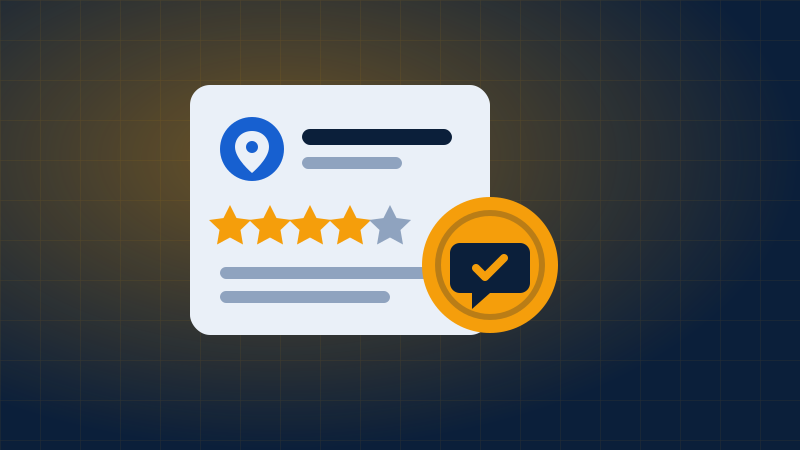
Think back to when Google Business Profiles were new. Most owners ignored them. A few claimed theirs, added photos, answered reviews and kept their hours current. Within a couple of years, those few were the businesses showing up on the map when someone searched "roofer near me," and everyone else was playing catch-up.
We think that's about to happen again, in a different place.
What OpenAI launched
On November 10, OpenAI introduced Businesses in ChatGPT, in beta. Through a new Business Hub, a business can claim its listing, update its details, and see insights on how people engage with it in ChatGPT (OpenAI, 2026).
If you've ever set up a Google Business Profile, the steps will feel familiar:
- Claim it. Search for your business, then verify with a code to your business phone or email, a record on your website's domain, or a Shopify store.
- Prove it's you. Before you can publish changes or see your numbers, you pass an identity check, and that's when you get the blue check mark.
- Keep it current. Update your website, description, category, logo and photos.
- See the numbers. Mentions, website clicks and the common topics people ask about, over the last 28 days.
OpenAI says ChatGPT reaches 1.2 billion people a week (OpenAI, 2026). That's a lot of people asking "who should I call?" somewhere other than Google. OpenAI never says the word Google in its announcement, but anyone who has managed a Business Profile will recognize what this is. It's the opening move in a fight over where your customers go to find you.
What it can't do yet
This is a beta, and it's worth being honest about the limits.
- Not every business can claim yet. Availability depends on your location and type of business. Local stores and restaurants can only claim a listing that already exists in the US (OpenAI Help Center, 2026). Many service businesses that work out of a truck rather than a storefront may find there's nothing to claim today.
- The chat agents are for online businesses for now. OpenAI also launched Business Agents, a chat with the business inside ChatGPT. At launch they're only for US e-commerce and online service businesses, and they can't book appointments (OpenAI Help Center, 2026).
- Claiming doesn't buy you a better spot. OpenAI is clear that claiming a profile doesn't guarantee more visibility, and that ads don't change ChatGPT's own answers (OpenAI Help Center, 2026).
So if you can't claim yours this week, you haven't missed anything. OpenAI says it plans to expand to more categories over time (OpenAI, 2026). When your turn comes, you want to be ready.
Why waiting is the expensive choice
There's one line in OpenAI's own help page that matters more than the rest: ChatGPT "may also use other sources" when it answers questions about your business (OpenAI Help Center, 2026).
In plain terms, ChatGPT is already talking about you. It's pulling from your website, your Google profile, review sites and whatever else it can find. If your hours are wrong on one site, your phone number changed and only half the internet knows it, or your website still lists a service you stopped offering, that's the version of your business it's working from.
The businesses that win the first round won't be the ones with the cleverest profile. They'll be the ones whose information was already clean everywhere when the door opened.
The number that actually matters
Here's where we'd push back on the excitement a little.
Business Hub tells you how many times ChatGPT mentioned you and how many people clicked through. Those are useful numbers. They're also the same kind of number a lot of marketing reports lead with: impressions, views, clicks. None of them tell you whether the phone rang or a job landed on the calendar.
ChatGPT can show you views. What you want to know is booked jobs. The good news is that visits from ChatGPT can show up in Google Analytics as their own source, so with a little setup you can follow them all the way to a booked job. That's the number we'd watch.
What to do this week
- Ask ChatGPT about your own business. Try "Who's the best [your service] near [your town]?" and "What are [your business]'s hours and phone number?" Write down what's wrong.
- Clean up your information everywhere. Google Business Profile, your website, Yelp, Facebook, Angi. Same name, address, phone number, hours and list of services on every one.
- Find out who controls your verification. Check who can get a code on your main business phone and email, and who can add a record to your website's domain. If it's a former employee or an agency you no longer work with, fix that now, before you need it.
- Try to claim your profile. Open Business Hub from the ChatGPT sidebar and search for your business. If it's there and you can claim it, do. If not, check back each month.
- Make sure you can see ChatGPT traffic. Ask whoever runs your website to confirm visits from ChatGPT show up as their own source in Google Analytics.
None of this takes long. All of it puts you ahead of the owners who wait to hear about it from a competitor.
A free 30-minute discovery audit with the founders. We'll tell you on the call whether we're a fit.